

What makes a client portal and approval process people actually use?
Approvals scattered across email, chat and file links cost real money in rework and disputes. Here's what a portal needs to do and how to design approvals that clients follow.
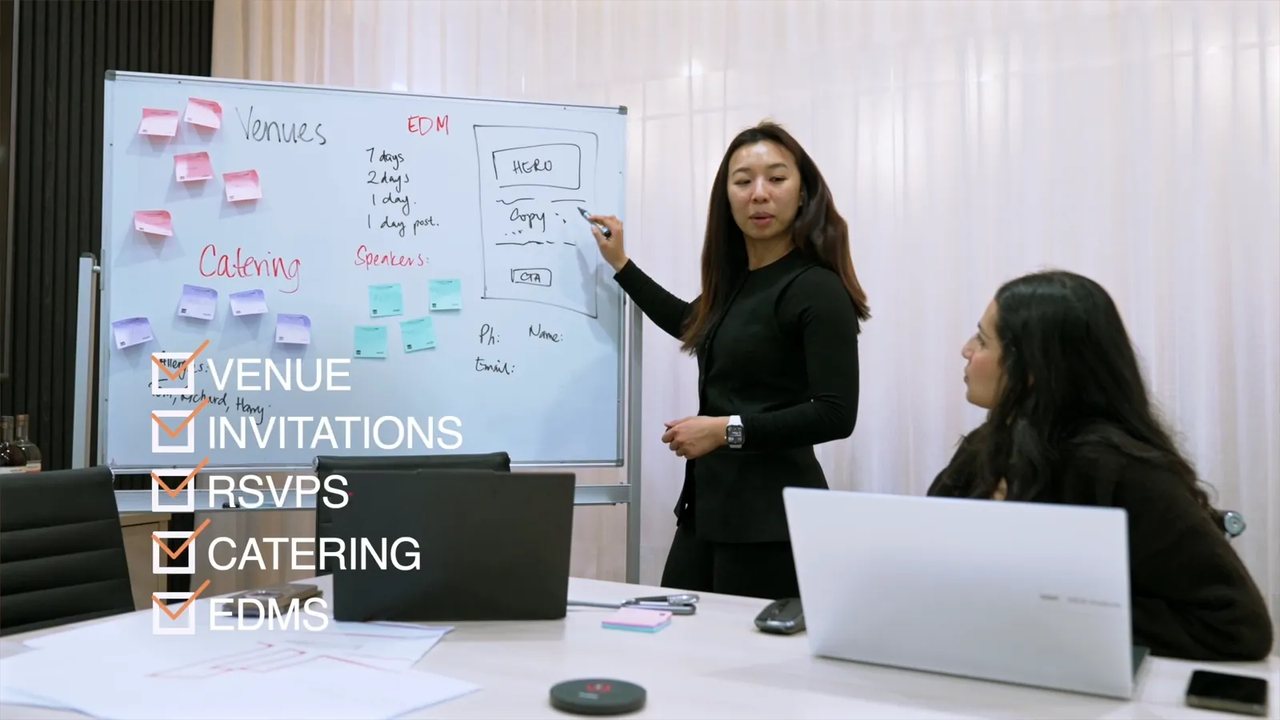
A client portal people actually use gets three things right before any other feature. Everyone has one link where the current version, the status and the history always live. Approving something takes one click and is recorded with a name and a date. It also has to work on a phone.
This guide is for anyone who sends work to clients for sign-off, and for clients tired of hunting through threads for the right file. It covers why email approvals break, what a portal must do, how to design the approval process itself and when a shared folder is enough.
Why do approvals fall apart over email?
The thread starts clean: here's the video, let us know your thoughts. Then feedback arrives through three channels at once: a reply, a text and a comment on a call. Version two goes out while someone is still reviewing version one. A file called final-v3-FINAL lands, and three weeks later nobody is sure which cut the client signed off.
The costs never show up as a line item on an invoice, which is why the problem survives for years. Work gets redone because changes were made against the wrong version. Projects stall waiting for an approval that was given verbally on a Tuesday. And scope gets argued after delivery, when the only approval record is somebody's memory.
Email is fine for conversation. It's a poor system of record because it splits one project's truth across every participant's inbox.
What should a client portal do?
A portal earns its place with five things:
- One link that never changes, bookmarked once and used for everything.
- Status at a glance for every deliverable, showing its stage and who it's waiting on.
- Work viewable in place, with nothing to download.
- Approval in one click, or a change request with the changes attached, each recorded with a name and a timestamp.
- A history you can scroll, with every version and decision in order.
Everything else is optional, and a long feature list is wasted if clients keep replying by email instead of opening the tool.
We run our own studio on this principle: website enquiries are filed into Visual Lab's own client portal and get a tracked observation ID, so nothing arrives as a loose email that can slip through.
What makes an approval process clients follow?
A portal only works if the approval process behind it removes ambiguity:
- Name one approver. Feedback can come from five people, but one person decides. Otherwise, the decision gets deferred while everyone waits for everyone else.
- Ask for small decisions. Approve items one at a time instead of asking for one verdict on a folder of fifteen assets. Small decisions tend to get made the same day, while a big pile waits for a free afternoon.
- Allow two outcomes only: approved, or changes requested with the changes written down. A project can't act on "looks good but let me sit with it".
- Agree the feedback window in the scope. For example, require feedback within five business days, with silence extending the timeline rather than triggering surprise deadlines. Some teams agree that silence means approval, which only works if it's in the engagement terms and was discussed openly.
- Keep feedback next to the work. A comment pinned to the thing it describes beats a paragraph in an email explaining where to look.
Clients accept limits they can see more readily than surprises on an invoice, so tie revision rounds to the scope. If the engagement includes two rounds, the record should show which round a request belongs to. A third round then becomes a visible, priced decision rather than quiet drift.
Do you need a custom portal, or will a shared folder do?
Each option works up to a point, so be honest about which one you're on.
A shared folder plus a status document works for one project with one approver. It breaks the day status questions start arriving by email, because the folder shows files rather than decisions.
Off-the-shelf review tools work well for single-format work, especially video review. The trade-offs are an extra login for the client, a subscription for you and a process bent to fit the tool's opinions.
A custom portal makes sense when you run ongoing work across multiple services and want approvals, reporting and requests in one place. It also keeps the record in your hands rather than a vendor's. It costs more up front, and someone has to own it. It's the kind of build we take on for clients running enough services at once to justify it.
One warning applies to every option: a portal doesn't fix a discipline problem. If files still go out by email alongside it, the portal becomes one more place to check, which is worse than no portal at all.
How do you get clients to actually use it?
Adoption comes from how you set the portal up:
- Make it the only place. Stop attaching files, so every delivery email is one line and the link. Once work lives in two places, the portal loses.
- Cut login friction. Every password reset is a chance for the client to give up and reply by email, so use the simplest access that suits the sensitivity of the work.
- Design for phones. Approvals happen between meetings and at school pickup, and if the portal is clumsy on a phone, decisions wait for a desktop that may not be opened this week.
- Do the first approval together. Two minutes on a call walking through the first sign-off beats any instruction document you could write.
- Keep it current. The first time the portal shows stale status, the client goes back to email and doesn't return, so updating it has to be part of your delivery routine.
None of this requires nagging. When the portal is the fastest way to see where things stand, clients use it out of self-interest, and the reminders usually stop within a project or two.
What should the record keep?
The record matters most when something goes wrong. It should hold who approved which version and when, the version itself, the feedback history and what changed in response. At the end of a project, both sides should be able to export it.
It protects you and the client alike: the client can show what they asked for and you can show what was approved. Scope disputes tend to end quickly and amicably when there's a record, because nobody has to rely on memory or win an argument.
It's also a fair question from the other side of the table. If you're choosing an agency, ask how their approvals run and where the record lives. The answer tells you a lot about how organised the rest of the engagement will be. We've covered the rest of that conversation in the questions to ask before you sign with any agency, and the same one-link logic applies to monthly reporting.

Rather have this done for you?
Tell us where the brand is now and where it needs to get to. We reply within one working day.
Questions we actually get
What is a client portal?
A client portal is a single link where a client sees the current status of their work, views deliverables in place, and approves or requests changes with every decision recorded. The point is to keep one system of record instead of scattering a project's truth across email threads, chat messages and file links.
Do small businesses need a client portal?
Not always. A shared folder and a disciplined status document are enough for occasional projects with one approver. You need a portal when version confusion and lost approvals start causing rework, or when ongoing work across several services makes "where is everything" a weekly question.
What is the best approval workflow for creative work?
The tooling matters less than following five rules consistently: name one approver, request decisions per item rather than per pile, allow only two outcomes (approved, or changes requested in writing), pin feedback to the work itself and agree the feedback window in the scope.
Should client approvals be in writing?
Yes, every time. A recorded approval settles scope questions quickly and helps keep the relationship friendly. Email technically counts, but it's hard to find months later, whereas a portal keeps the version, the approver's name and the date together in one place.
Can you run approvals through chat or text?
Use chat to prompt the approval and the portal to record it. Chat is good for a quick nudge, but a thumbs-up in a message thread is hard to find a month later.
Keep reading
Facts and pricing last verified July 2026. Written by the Visual Lab studio.